Loading...
USDZ File Converter
Easily convert USDA ↔ USDC files with full data retention
We currently do not support unzipped USDZ folders, but you can convert USDZ, USDA, and USDC files individually.
Try it for yourself
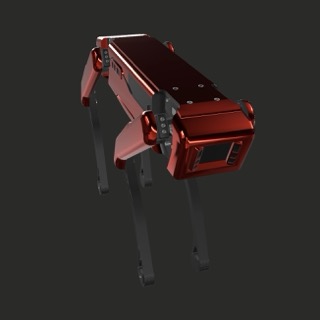
USDC File
USDA File
Frequently Asked Questions
Our USDZ converter allows you to easily transform binary USDZ files into text and vice versa. This tool ensures efficient conversion for both iOS and Windows/Android platforms, making it versatile for different 3D applications and use cases.
Text-based USDA files are human-readable and compatible with a wider range of tools, especially in web environments like WebGL, which can struggle with binary USDC files. While USDA files are easier to work with for troubleshooting and editing, they are much larger in size. For optimal performance, it's best to convert back to USDC once compatibility is no longer an issue.
Text files, like USDA, store data in human-readable form which results in larger file sizes. Binary USDZ (USDC) files are compressed for performance, resulting in smaller file sizes but are not human-readable.
Our converter supports the conversion between USDZ, USDA, and USDC formats. You can also upload individual USDA/USDC files to be included in a zipped USDZ bundle via Reality Converter, though we do not currently support unzipped folder uploads.
USDZ is a zipped archive that contains USDA or USDC files along with textures and other assets. USDA is a text-based format, while USDC is a binary, more compact version. USDZ packages these components for easier distribution, especially on Apple devices.
USDZ is highly efficient for delivering complex 3D models with textures, animations, and scene data, particularly in AR (Augmented Reality) applications on iOS. Its compressed format ensures smaller sizes without compromising the data quality.
At the moment, we do not support direct conversion of unzipped USD folders. However, you can still convert USDA or USDC files individually and repackage them using a tool like Apple's Reality Converter.
Ensure that your texture folder is correctly named '0' when uploading your USDZ file for conversion. This guarantees that textures are bundled properly within the USDZ archive.
USD (Universal Scene Description) is a high-performance software platform designed for creating, collaborating on, and exchanging animated 3D scenes. It's widely used in film, visual effects, and AR/VR applications for its efficiency in managing complex 3D assets.
Loading...